JOB 01 · MONOBlack & white
INKO M6
$149 USD
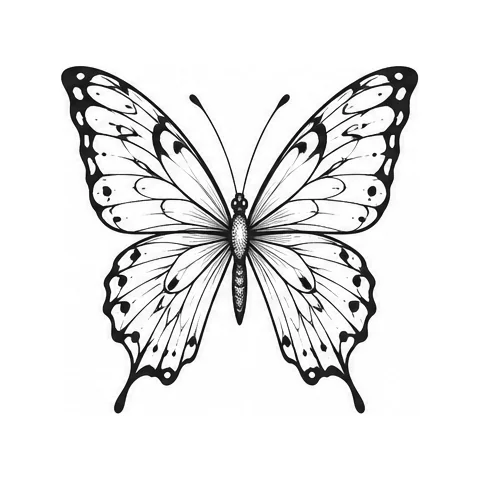
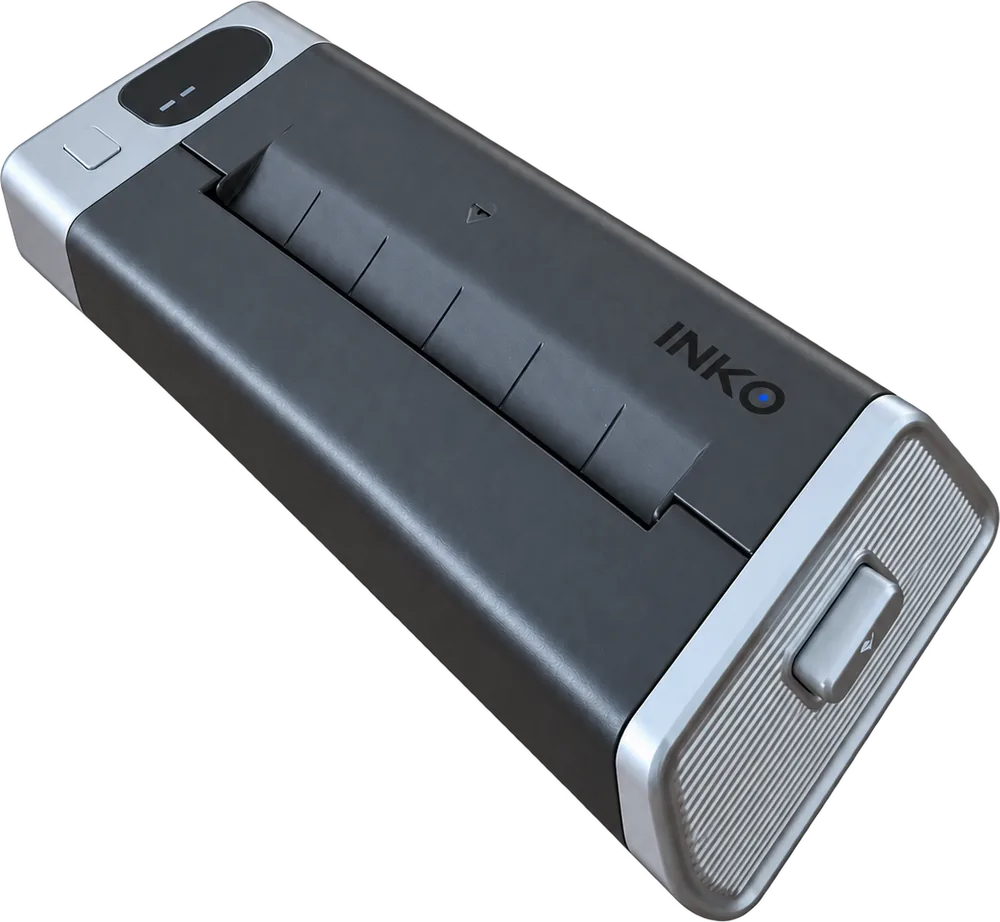
Linework, lettering, geometric and old-school designs, printed crisp and clean. It prints with heat, so there are no ink cartridges to buy.
- Thermal
- Resolution
- 203 dpi
- Width
- 100 mm
INKO makes portable printers for temporary tattoos. Choose a design in the INKO app or draw your own, send it to the M6 or H20 over Bluetooth, and print a tattoo you can wear today.
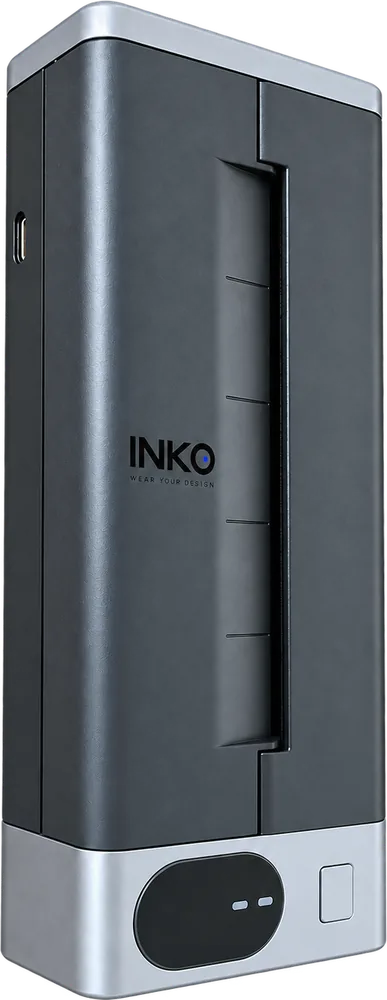
M6Mono thermal · 203 dpi
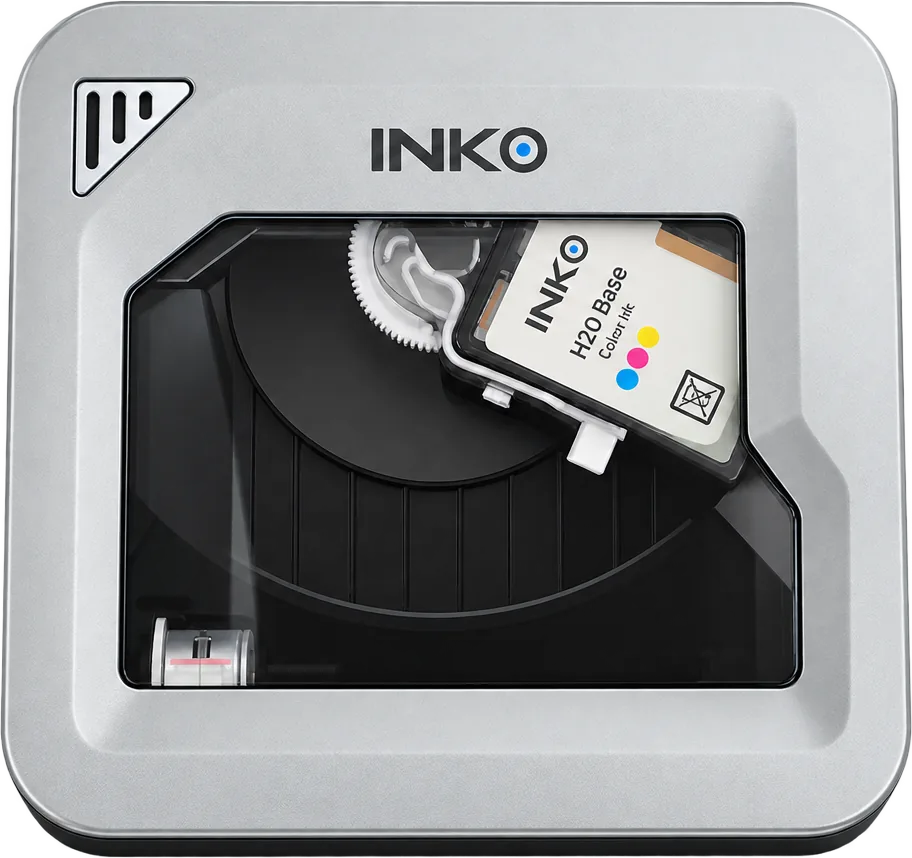
H20Color inkjet · 600 dpi
01 · Lineup
The M6 prints crisp black-and-white linework up to 100 mm wide. The H20 prints in full color at 600 dpi, from soft gradients to watercolor and illustration. Both use the same INKO app and design library, so the choice comes down to the look you want.
Linework, lettering, geometric and old-school designs, printed crisp and clean. It prints with heat, so there are no ink cartridges to buy.
Gradients, watercolor and illustration in full color at 600 dpi. Each print is a single 54 × 89 mm sheet.
Be the first to know when it launches.
Get notified02 · Compare
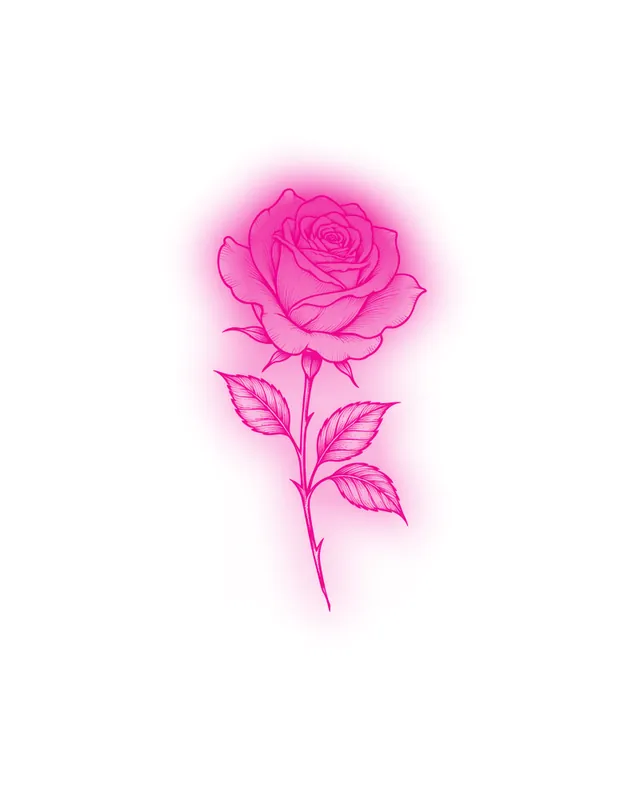
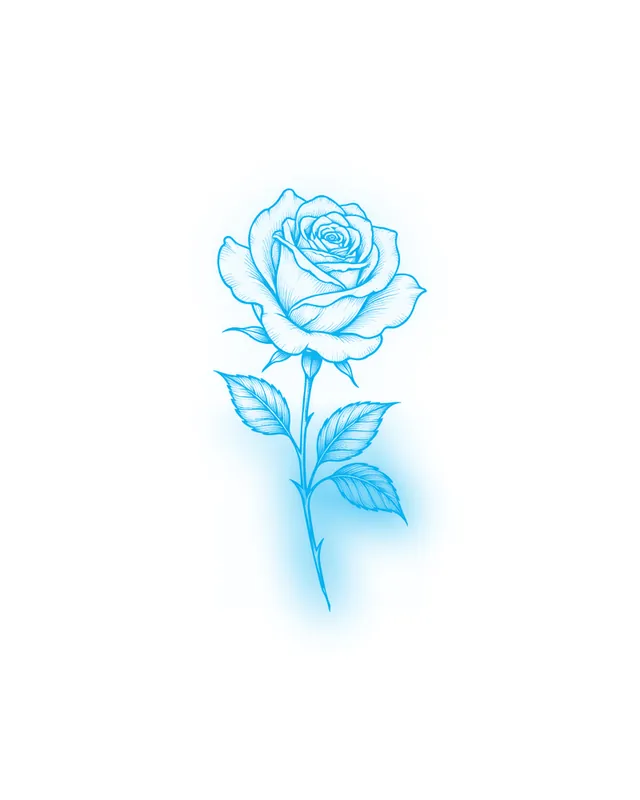
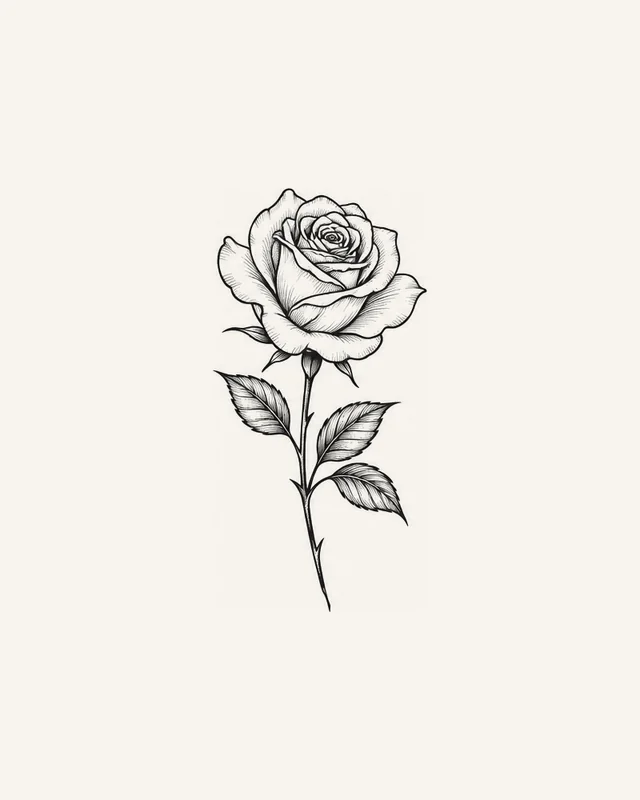
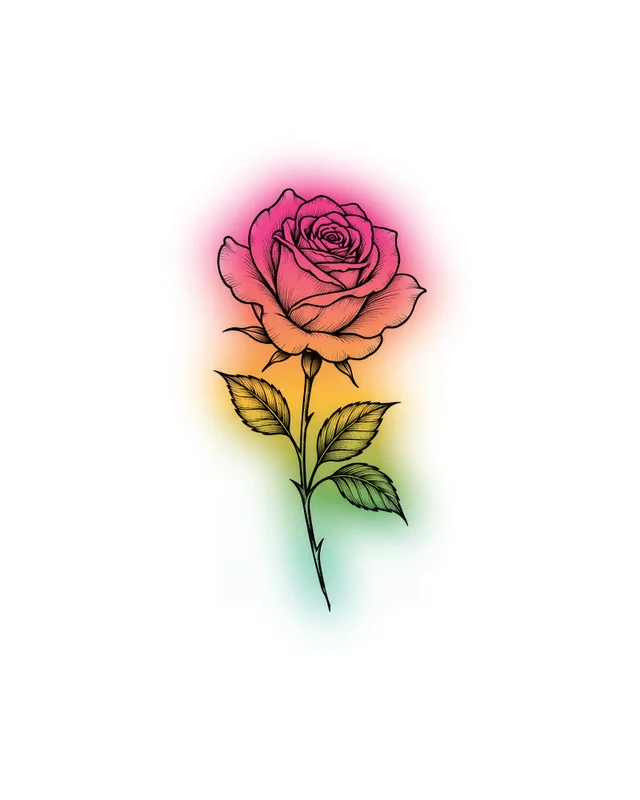
Drag the print head to see the same rose from both printers. The M6 keeps every line crisp; the H20 lets the color bloom.
Color preview is simulated. Actual prints may vary.
03 · INKO M6
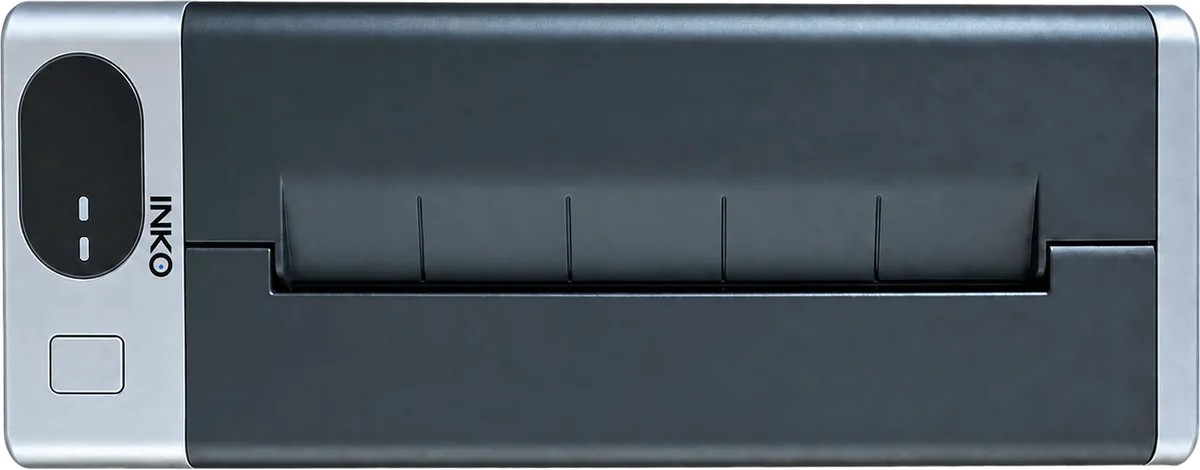
The M6 prints with heat at 203 dpi, so linework, lettering and geometric designs come out crisp and clean. Prints run up to 100 mm (3.9 in) wide. When one is done, just tear it off at the slot.
04 · INKO H20
The H20 prints in full color at 600 dpi, from smooth gradients to watercolor and illustration. Each print is 54 × 89 mm (2.1 × 3.5 in), about the size of a business card.
04 · H20 · Apply
Every H20 tattoo starts as a single 54 × 89 mm sheet of INKO tattoo paper. Print it, seal it and apply it in three steps.
Single sheet · 54 × 89 mm
All of the look, none of the needle. Wear a design to a festival, a game day or a party, then swap it for a new one.
Print your design on INKO tattoo paper. The app mirrors it automatically, so it reads the right way on your skin.
Peel the liner off the adhesive sheet and press it firmly onto the print.
Cut around the design and remove the clear film. Press it face down on clean, dry skin, hold a damp cloth on it for 30 seconds, then slowly peel the paper away.
Test a small patch of skin first, and don’t apply to broken or irritated skin.
05 · Choose
Choose the M6 for black-and-white linework up to 100 mm wide, or the H20 for full-color tattoos at 600 dpi. Both use the same INKO app and design library, so you never have to start over.
| Specification | JOB 01 · MONOM6 | JOB 02 · COLORH20 |
|---|---|---|
| Price | $149 USD | $249 USD |
| Printing | ||
| Print method | Black-and-white thermal | Full-color inkjet |
| Resolution | 203 dpi | 600 dpi |
| Print size | Up to 100 mm (3.9 in) widePages up to 297 mm (11.7 in) long | 54 × 89 mm (2.1 × 3.5 in)Single sheets |
| Best for | Linework, lettering, geometric | Gradients, watercolor, illustration |
| Copies at a time | Up to 10 | Up to 10 |
| Print density | Adjustable in the app | Not adjustable |
| Paper & ink | ||
| Paper | 105 mm (4.1 in) thermal tattoo paper | 54 × 89 mm tattoo paper sheets |
| Ink | None needed | Replaceable cartridgeAbout 80 prints per cartridge1 |
| Power & connection | ||
| Battery | 1500 mAh rechargeableCharges at 5 V, 2 A | 1000 mAh rechargeableAbout 60 prints per charge1 |
| Connection | Bluetooth · USB | Bluetooth |
| Works with | Android iPhone coming soon | Android iPhone coming soon |
| Hardware | ||
| Size | 180.5 × 68 × 36 mm7.1 × 2.7 × 1.4 in | 105 × 97 × 45 mm4.1 × 3.8 × 1.8 in |
| Weight | 345 g (12.2 oz) | 235 g (8.3 oz) |
1 Manufacturer estimates. Actual results vary with design size, ink coverage and settings. Specifications are preliminary and may change before launch.
See all printers06 · Designs
Designs are sorted by style. Black-and-white linework prints on either printer; color designs need the H20. Resize a design in the app and send it to print. The app mirrors it for you.
You can also import your own artwork in the app. Imports are private by default.
Browse all designs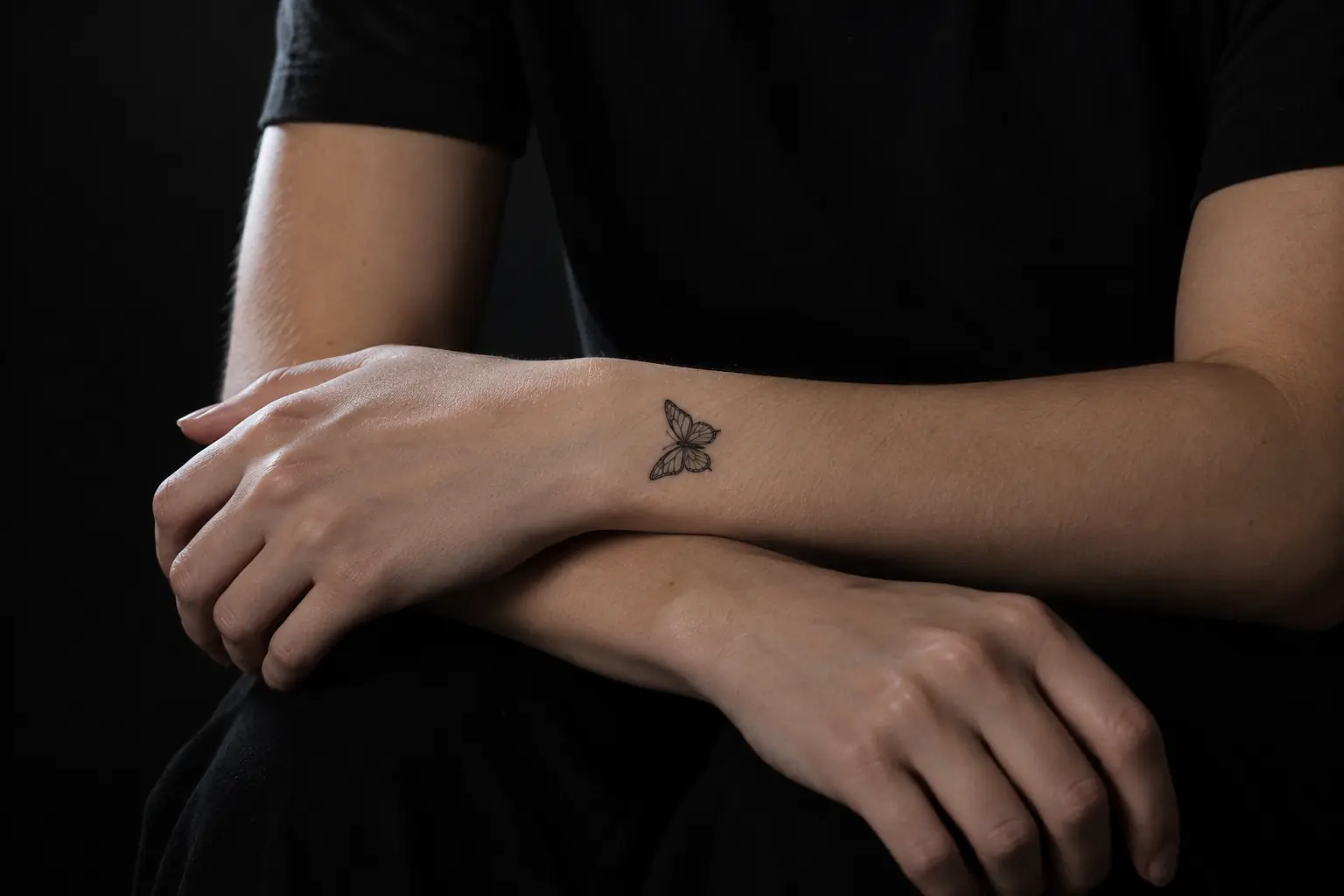
07 · Wear
INKO prints temporary tattoos. No needles, no pain, nothing permanent. Ready for a new look? Remove it and print another.
For wear time and removal, follow the instructions in the box
08 · INKO app
Choose a design, resize it, pick a printer and print, all in one app. The canvas adjusts to the print size of whichever printer you connect.
The library is sorted by style, and anything you import is private by default.
Connect over Bluetooth and print up to 10 copies at a time.
Apply it following the instructions in the box, and remove it whenever you’re ready for something new.
09 · Supplies
Get printers, tattoo paper and ink cartridges from the INKO store. Each supply is made for a specific printer, so check compatibility before you order.
PRINTER · M6
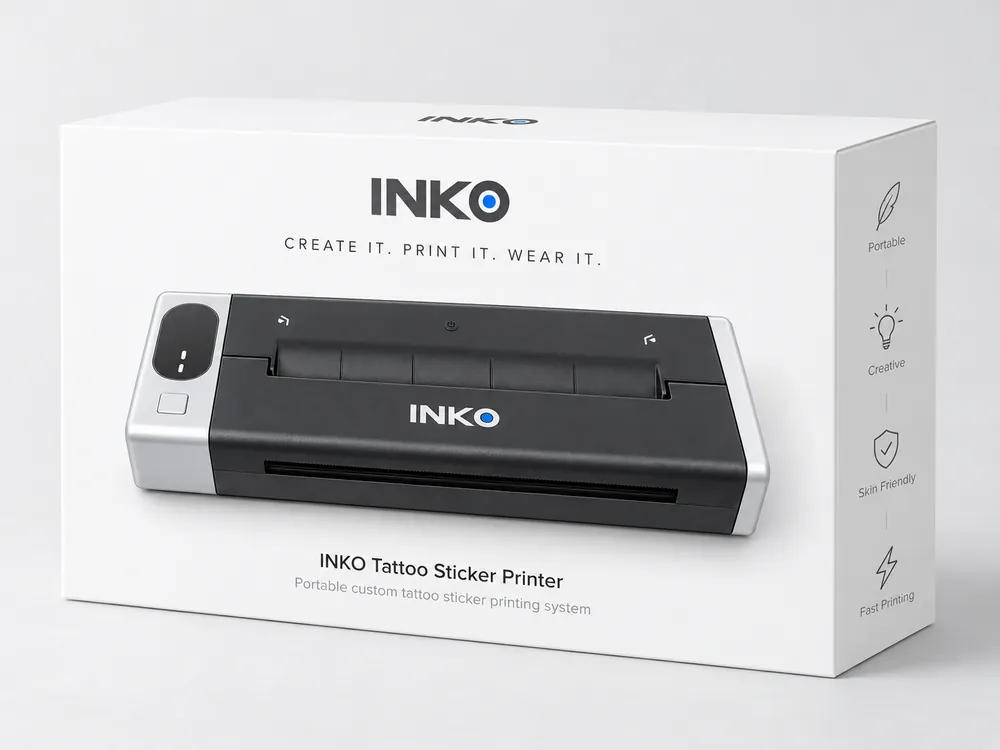
Black-and-white thermal printing for linework and lettering. Connect it to the INKO app over Bluetooth and start printing.
View M6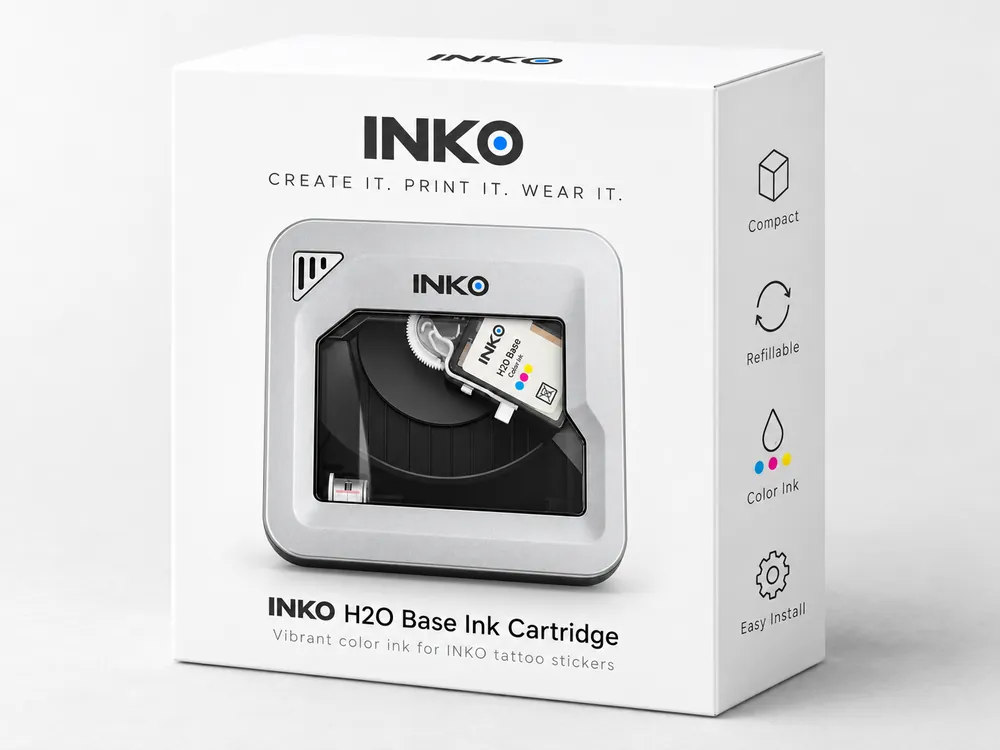
INK · H20
The color ink cartridge made for the H20, good for about 80 prints, depending on the design. When it runs out, just replace the cartridge.
Shop supplies10 · FAQ
Shipping times and costs are on our Shipping page; return windows are on Returns.
It depends on what you want to print. For linework, lettering and geometric designs, choose the M6: black-and-white thermal printing at 203 dpi, up to 100 mm (3.9 in) wide. For gradients, watercolor and color illustration, choose the H20: full-color inkjet at 600 dpi on 54 × 89 mm (2.1 × 3.5 in) prints. Both use the same INKO app and design library.
No. INKO prints temporary tattoos that sit on the surface of your skin. No needles, no pain. For wear time and removal, see the packaging and instructions.
No. The M6 prints with heat, so all it needs is paper. The H20 is an inkjet printer and uses a color ink cartridge, rated for about 80 prints; replacements are sold separately.
No. The INKO app mirrors your design automatically before it prints, so text and lettering read the right way on your skin.
Not yet. The INKO app is available for Android and connects to your printer over Bluetooth. An iPhone app is in development. Sign up for updates to hear when it launches.
Yes. Import an image in the app, adjust its size and orientation, then print. Your imports are private by default and only become public if you choose to publish them. Please print only designs you have the rights to use. To report infringing content, submit a copyright request.
Yes. The INKO app adjusts the print size and available settings to match the printer you connect, and the design library and your saved work stay in one account.
11 · Shop
Both printers will be sold directly from INKO, with shipping and return details under Support in the footer. Launch dates haven’t been announced yet. Sign up and we’ll email you when they go on sale.